Looking for your Venmo card number in the app? You’re probably frustrated because it’s not showing up where you’d expect. Here’s the truth: Venmo doesn’t display your full card number in the app for security. But I’ll show you exactly where to find it, what you can see, and how to get your full number if you really need it.
Your Venmo Card Number: Debit vs. Credit Card
Before we dig in, let’s clear up the confusion. Venmo has two different cards, and they work differently.
The Venmo Debit Card (Mastercard) is what most people have. It’s connected to your Venmo balance—the money sitting in your account. When you spend, you’re using Venmo funds, not your bank account. The Bancorp Bank issues this one.
The Venmo Credit Card (Visa) works like a regular credit card. You get a monthly bill and can pay it from your Venmo balance or another source. Synchrony Bank handles this one. The bonus? You get a virtual card number instantly to use online before your physical card arrives.
Finding your card number works differently for each, so knowing which one you have matters.
What Information Shows When You View Your Venmo Card Number
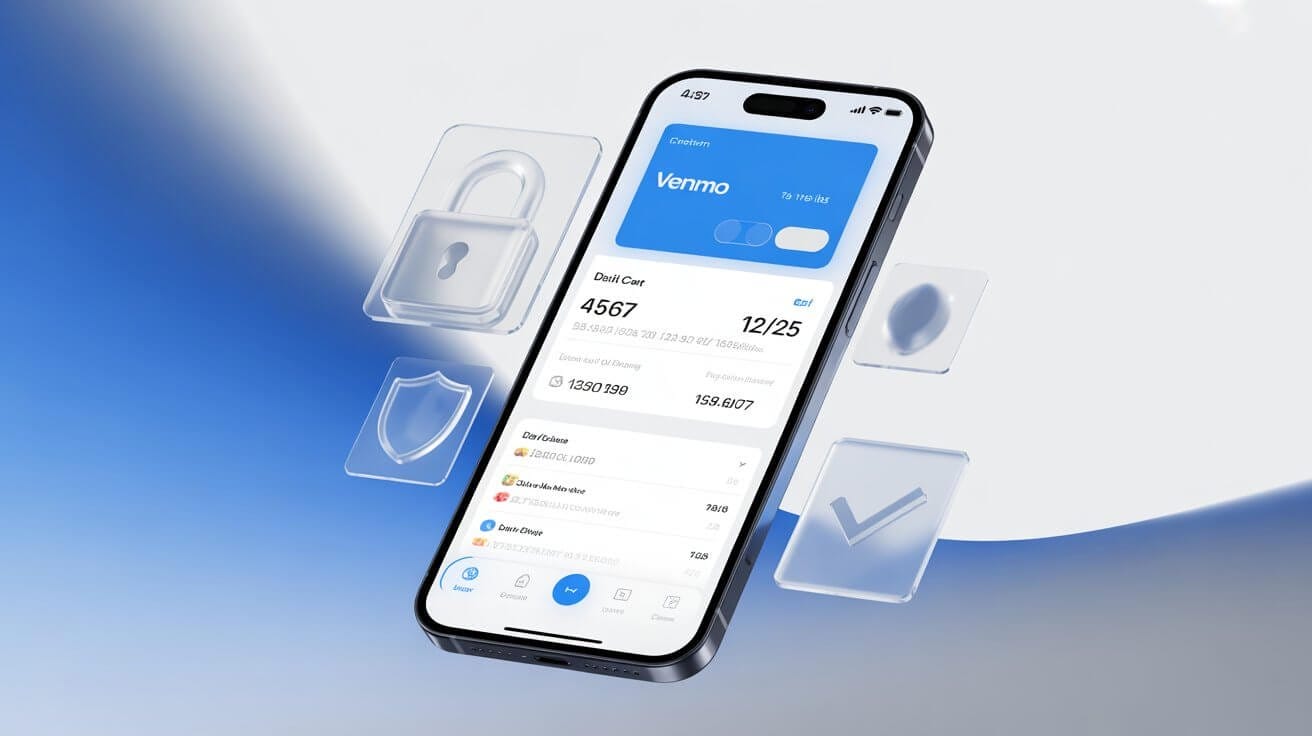
When you pull up your card in the app, you won’t see the complete 16-digit number. That’s by design, not a glitch. Here’s what you’ll actually see:
- Last 4 digits of your card
- Card type (Mastercard or Visa)
- Expiration date (MM/YY)
- Whether your card is active or locked
That’s the security protection Venmo puts in place. Your full number? It’s only on your physical card. Understanding your account limits also helps you know what transactions show up.
How to Find Your Venmo Card Number in the App
How to View Your Venmo Debit Card Number
Step 1: Open Venmo and tap the card icon at the bottom of the screen.
Step 2: Select View card details.
Step 3: Venmo will ask for your fingerprint, Face ID, or PIN before showing anything.
Step 4: You’ll see the last 4 digits, card type, and when it expires.
How to View Your Venmo Credit Card Number
It’s the same process. Go to your profile → Settings → tap “Venmo Credit Card”. With the credit card, you actually get to see your virtual card number right away. That’s the bonus—you can use it online before your physical card even arrives.
Can’t See Your Venmo Card Number? Troubleshooting Guide
Didn’t find it? Here’s what’s usually happening:
Your card isn’t activated. Look for an “Activate Card” prompt or check the instructions in your card packaging.
You’re in the wrong spot. Make sure you’re tapping the card icon at the BOTTOM of the screen, not looking in Settings or Payment Methods, that’s different.
You haven’t set up security yet. Go to Settings → Security and turn on Face ID, fingerprint, or PIN. Venmo won’t show card info without this.
Your card is locked. If it got locked for security or expired, it might not show up. Check the Cards section or hit up Venmo support.
Your app is old. Go update Venmo from your app store. Older versions have different layouts.
Where to Get Your Full Venmo Card Number
Your full 16-digit card number is printed on your physical Venmo Debit Card. There’s no other official way to view it, not in the app, not in email, not through support.
Why? Venmo intentionally doesn’t store or display full card numbers anywhere except on the physical card itself for security reasons. This is standard across all payment apps.
If you need to use your card number for online purchases and don’t have the physical card, use your Venmo balance or transfer money from Venmo to Cash App to access your funds through a different platform.
Why Venmo Doesn’t Show Your Full Card Number in the App
Venmo hides it on purpose. Here’s why:
Security. The fewer places your full number exists, the harder it is to steal. Limiting where it shows up is just smart security.
Industry standard. Every major app, PayPal, Square, whoever, does this. It’s not just Venmo being difficult.
Fraud protection. If someone got into your phone, they’d only see the last 4 digits, not a usable card number.
PCI compliance. Payment companies have to follow strict rules about when and where to display full numbers. This is the law.
It’s not a limitation; it’s Venmo protecting your account.
The Bottom Line
Venmo keeps your full card number hidden in the app because it’s protecting you. The last 4 digits, card type, and expiration date are all you need to verify which card you’re using. For your full number, check your physical card.
Once you’ve located your card details, make sure you understand how to receive money on Venmo to keep your balance active for card transactions.
Need Help?
- In-app Support: Settings → Get Help → Chat With Us
- Visit Help Center: Venmo Official Help Center