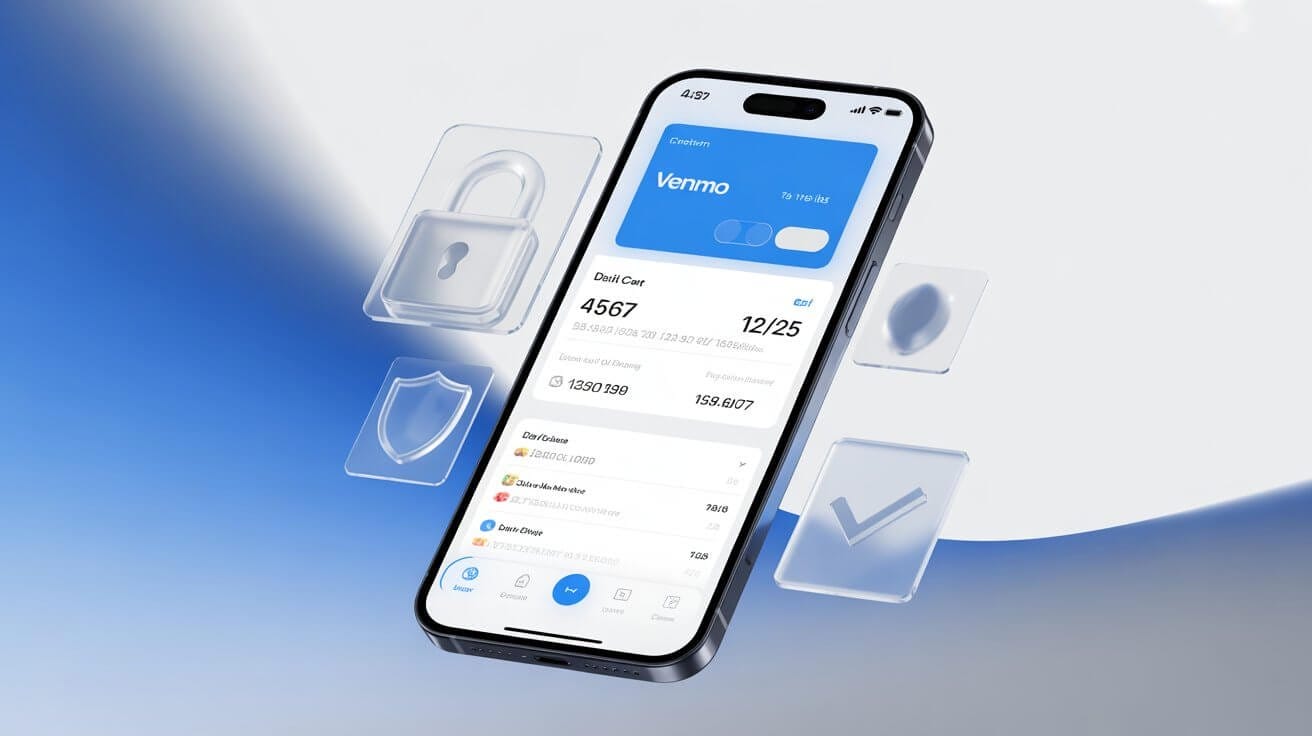
You can see only the last 4 digits of your Venmo Debit Card in the app, because the full 16-digit number is printed exclusively on the physical card. The Venmo Credit Card is the exception: it gives you a full virtual card number you can use online right away. Here is where to find each, what the app actually shows, and what to do when the number will not appear.
Which Venmo card do you have: debit or credit?
Venmo has two different cards, and finding the number works differently for each.
The Venmo Debit Card (Mastercard, issued by The Bancorp Bank) is what most people have. It is connected to your Venmo balance, so when you spend, you are using Venmo funds, not your bank account.
The Venmo Credit Card (Visa, issued by Synchrony Bank) works like a regular credit card with a monthly bill. Its bonus: you get a virtual card number instantly, so you can shop online before the physical card arrives.
What does the app show when you view your card?
For the debit card, the app shows four things, and never the complete number:
- The last 4 digits of your card.
- The card type (Mastercard or Visa).
- The expiration date (MM/YY).
- Whether the card is active or locked.
That is by design, not a glitch. Your full debit number exists only on the physical card.
How do you view your Venmo Debit Card number in the app?
To view your debit card details:
- Open Venmo and tap the card icon at the bottom of the screen.
- Select View card details.
- Confirm with your fingerprint, Face ID, or PIN.
- You will see the last 4 digits, the card type, and the expiration date.
How do you view your Venmo Credit Card number?
To view your credit card, go to your profile, then Settings, then tap Venmo Credit Card. Unlike the debit card, the credit card shows you a full virtual card number right away, which you can use online before the physical card arrives.
Why can’t you see your Venmo card number?
When the number will not appear, it is usually one of five causes:
- The card is not activated. Look for an Activate Card prompt or the instructions in your card packaging.
- You are in the wrong spot. Tap the card icon at the bottom of the screen, not Settings or Payment Methods.
- Security is not set up. Go to Settings, then Security, and turn on Face ID, fingerprint, or PIN. Venmo will not show card info without it.
- The card is locked or expired. Check the Cards section or contact Venmo support.
- The app is outdated. Update Venmo from your app store; older versions have different layouts.
Where do you get your full Venmo card number?
Your full 16-digit debit card number is printed on the physical card, and there is no other official way to view it: not in the app, not by email, not through support. Venmo intentionally stores the full number nowhere else, which is standard across payment apps. If you need to pay online without the physical card, use your Venmo balance, or transfer money from Venmo to Cash App and pay from there.
Why does Venmo hide the full number?
Venmo hides it on purpose, for four reasons:
- Security. The fewer places your full number exists, the harder it is to steal.
- Industry standard. PayPal, Square, and every major payment app do the same.
- Fraud protection. Someone with access to your phone sees only the last 4 digits, not a usable card number.
- PCI compliance. Payment companies follow strict rules about displaying full card numbers.
The rules that govern your card sit alongside your Venmo limits, which decide how much you can spend and withdraw with it.
Key takeaways
- The app shows only the last 4 digits, card type, and expiration for the debit card.
- Your full debit number lives only on the physical card.
- The Venmo Credit Card gives you a full virtual number instantly.
- No number showing? Check activation, the card icon location, security settings, lock status, and app version.
Once your card is sorted, the same balance it spends from fills up when you receive money on Venmo, and the wider account basics are in our guide to how Venmo works. For anything account-specific, use the Venmo Help Center or in-app chat under Settings, then Get Help.