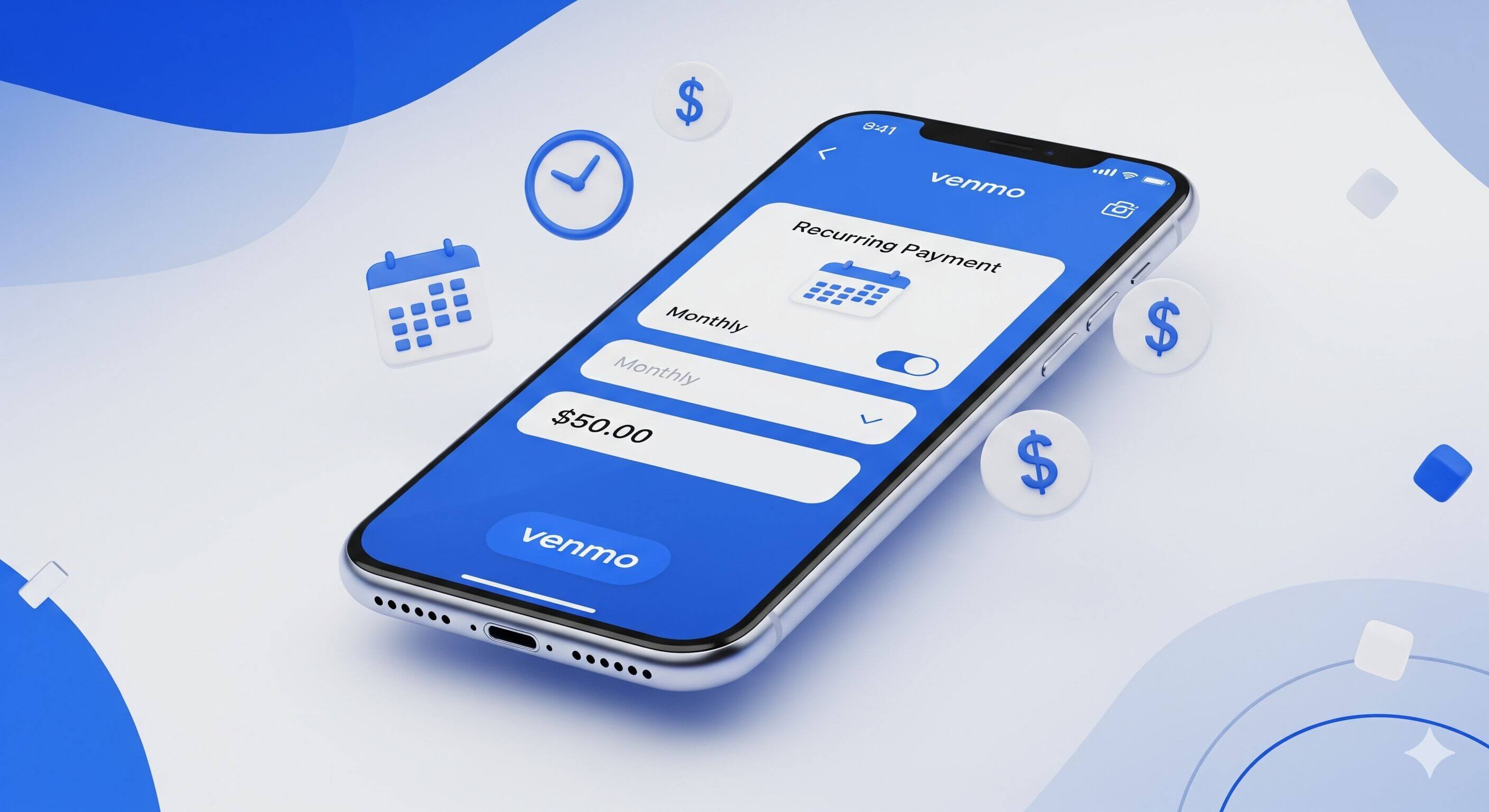
Yes, Venmo supports recurring payments. The feature is called Schedule Send, and it launched in October 2024. You can set up automatic payments to another Venmo user on a weekly, bi-weekly, or monthly schedule, with the option to add an end date or leave the schedule running. It’s free to use, available to both verified and unverified personal accounts in the US, and works with Venmo Teen accounts as well.
Key Takeaways
- Venmo supports recurring payments and recurring requests through Schedule Send.
- Frequencies are weekly, bi-weekly, or monthly, with an optional end date.
- Edits and cancellations must be made before 11:59 PM PT the day before a payment runs.
How do you set up a recurring payment on Venmo?
Schedule Send works two ways. You can schedule a payment, where Venmo sends money to another person automatically on each scheduled date. Or you can schedule a request, where Venmo sends a request to another person, and they approve it manually each cycle. The first is fully automatic. The second queues up reminders.
The setup happens inside the Venmo mobile app; there’s no web version.
- Open Venmo and tap Pay/Request at the bottom of the screen.
- Search for the person you want to pay and select them.
- Enter the amount.
- Add a note (Venmo requires one).
- Tap Schedule instead of Pay.
- Pick a frequency: weekly, bi-weekly, or monthly.
- Select an End Date or choose No End Date.
- Choose a backup payment method. If your balance is short on the scheduled date, this is what gets charged.
- Tap Save, then Pay.
- Review the summary screen and tap Schedule Payment.
You’ll get an email confirmation with the schedule details. The first payment runs on the next date matching the frequency you picked.

How do you schedule a recurring request?
The steps are the same as setting up a payment, but you tap Request instead of Pay at the final step. Venmo sends the other person a reminder email and push notification the day before each scheduled request, and they approve it each time on their end.
This is useful for rent splits and shared subscriptions where you’d rather queue up the ask than text someone every month. Nothing is pulled automatically; once they approve, they receive money on Venmo the usual way.
How does verification status change recurring payments?
The funding rules differ depending on whether your identity is verified.
If your identity is verified (you’ve given Venmo your full legal name, date of birth, address, and last four of your SSN):
- Your Venmo balance pays first, as long as there’s enough sitting in it on the processing date.
- If your balance is short, Venmo pulls from the backup payment method you selected during setup.
- If both fail, the payment doesn’t process for that cycle, and Venmo emails you.
If your identity is not verified:
- Your Venmo balance does not automatically fund scheduled payments. Venmo uses the payment method you picked during setup, even if there’s money in your balance.
- You’re capped at a $299.99 combined weekly spending limit across everything in your account until you verify, so any larger scheduled payment will fail just from hitting that limit.
If you plan to use scheduled payments for anything routine, verify your identity first under Settings → Identity Verification. It takes a few minutes inside the app.
How do you edit or cancel a scheduled payment?
- Tap Me at the bottom of the app.
- Tap Transactions.
- Under the Scheduled section, tap View all.
- Tap the payment you want to change.
- Tap Edit to adjust the amount, frequency, end date, or backup payment method.
- Tap Update Schedule to save changes.
To stop a schedule entirely, open it the same way and tap Cancel.
The deadline most people miss: any edit or cancellation must be made before 11:59 PM PT the day before the next payment runs. After that, the run is locked in.
Venmo doesn’t have a pause option. To skip a single month, cancel and reschedule, or edit the end date around the gap.
Bank account or debit card: which backup should you use?
The choice of backup payment method changes when money actually leaves your account.
- Debit card backup. Venmo pulls the money the same day the payment runs. Funds usually leave your bank within a few hours.
- Bank account (ACH) backup. Venmo can take up to 5 business days to actually pull the money from your bank. The recipient sees the payment as received immediately, but the debit takes a while to settle on your end.
If you reconcile your bank statement closely, ACH timing can look like the payment didn’t happen. It did, it’s just travelling through the ACH network.
What are the fees and limits on recurring payments?
There’s no fee to set up or run a scheduled payment. Standard Venmo fees still apply where they normally would:
- Sending from Venmo balance, a linked bank, or a debit card: free.
- Sending from a credit card, 3% fee per payment, charged on every run.
- Instant transfer to your bank (separate from scheduled sends), 1.75% with a $0.25 minimum and a $25 maximum.
Limits work the same as any other Venmo payment; see the full breakdown of Venmo limits for the rolling weekly numbers:
- Unverified personal accounts: $299.99 combined weekly spending limit.
- Verified personal accounts, up to $60,000 per rolling seven-day window. The separate $5,000 per-transfer cap applies to bank transfers out of Venmo, not to payments you send.
A scheduled payment counts against these limits the same way a manual send would. If your weekly cap is already used up when the schedule runs, that cycle fails.
What happens when a scheduled payment fails?
A few things can stop a scheduled payment from going through:
- Both your balance and your backup funding source fail (closed account, expired card, or bank declined).
- You hit your weekly sending limit before the scheduled run.
- The recipient closed their Venmo account or had it frozen.
- Your account was limited or frozen by Venmo’s security team. If that happens, getting money out of a frozen Venmo account is the first step.
When any of this happens, Venmo emails you with the reason, and that cycle doesn’t run. The schedule itself stays active and tries again on the next scheduled date.
Check your linked payment methods first, then your weekly limit, then the email Venmo sent. It’ll usually say which one caused the issue.
Privacy: Do Scheduled Payments Show Up in the Feed?
When a scheduled payment processes, it appears in Venmo’s feed like any manual payment; visibility depends on your privacy setting (Public, Friends, or Private) at the time the payment runs. If you don’t want it public, set the default to Private under Settings → Privacy → Default Privacy Settings.
Venmo Teen Accounts
The feature works with Venmo Teen accounts, which makes it the simplest way to automate an allowance. A parent or guardian can schedule a weekly or monthly payment to their teen’s account, and the same funding rules apply.
Teen accounts have tighter sending controls, so a teen can’t easily set up outbound scheduled payments, but they can receive them without issue.
Can Businesses Use Venmo Recurring Payments?
Venmo’s recurring payments are customer-initiated. A merchant or service provider cannot set up a charge that pulls automatically from a customer’s Venmo account. The customer has to create the schedule on their own end.
This rules Venmo out for most subscription-style billing. If that’s the use case, look at:
- Stripe: Subscription billing with merchant-initiated charges, accounting integrations, and dispute handling.
- PayPal subscriptions: Same parent company as Venmo, with full recurring billing built for merchants.
- Square: Works for service businesses already taking card payments.
- Recurly or Chargebee: Purpose-built recurring billing platforms.
A Venmo Business Profile can receive scheduled payments from customers who’ve set them up themselves. But you don’t get the dispute protection that a real billing platform provides.
When should you use Venmo recurring payments?
Good fit:
- Splitting rent or shared bills with someone who has Venmo.
- Paying a regular service provider, tutor, babysitter, or cleaner who prefers Venmo.
- Automating an allowance to a Venmo Teen account.
- Setting up reminders (via scheduled requests) for someone who owes you regularly.
Skip it for:
- Merchant-initiated subscription billing uses Stripe or PayPal.
- Anyone outside the US; Venmo doesn’t work internationally.
- Variable-amount payments: Venmo schedules are fixed.
- Anything where you need a pause feature: Venmo doesn’t have one.